Hospitality Social Media Marketing: 8 Practical Tips to Build a Strategy
- The Benefits of Social Media in the Hospitality Industry
- Social Media Marketing for Hospitality: 8 Tips to Build Your Strategy
- 1. Choose Networks That Fit Your Guests and Your Resources
- 2. Define Success With Benchmarking
- 3. Connect Community Management With Guest Service
- 4. Make Reports Useful for the Next Decision
- 5. Build a Publishing Process
- 6. Use Content Data to Plan Your Next Test
- 7. Monitor Public Conversations Beyond Your Inbox
- 8. Invite Guests to Share, Tag, and Join the Conversation
- Build a Hospitality Social Media Strategy Your Team Can Maintain
Social media marketing in hospitality matters before, during, and after a visit. It introduces the property and its surroundings, provides practical information, and gives guests a place to contact the team or share their experience. Its role extends well beyond an attractive feed, bringing marketing and customer service into the same channels. Managing that presence means balancing content creation with guest inquiries, internal approvals, and performance tracking. The difficulty is meeting those demands with the time and resources available while keeping the activity useful to guests and connected to clear business objectives.
Hospitality businesses need a social media strategy that fits their goals, guests, and available resources. That strategy should cover channel selection, content planning, guest communication, and performance tracking. This guide brings together 8 practical tips for building a social media strategy for the hospitality industry so you can get the most out of your social media channels.
The Benefits of Social Media in the Hospitality Industry
Using social media in hospitality marketing lets businesses showcase their offer and helps prospective guests understand what to expect. Room walkthroughs show layout and atmosphere, while restaurant content introduces the dining experience. Practical posts explain what is available and provide information relevant to a visit. This content serves people at different stages, from casually exploring a property to examining the details of a possible stay. Each post can address a specific need, provided the account makes essential information easy to find.
Social media marketing in tourism and hospitality also involves guest service. Guests can ask questions directly and receive answers that photographs alone cannot provide. Managing that communication requires accurate information and clear responsibility for responding. Questions and public feedback can reveal information gaps that the business needs to address. Reviewing performance helps the team understand whether its activity supports its objectives, rather than simply keeping the accounts active.
Social Media Marketing for Hospitality: 8 Tips to Build Your Strategy
Social media is a valuable channel for hospitality businesses, but managing it involves more than publishing posts. Your business goals, guests’ needs, and available resources all shape the approach you take. The challenge is bringing those considerations together in a strategy your team can put into practice.
The following tips can help you put that hospitality social media strategy into practice:
- Choose Networks That Fit Your Guests and Your Resources
- Define Success With Benchmarking
- Connect Community Management With Guest Service
- Make Reports Useful for the Next Decision
- Build a Publishing Process
- Use Content Data to Decide What to Test Next
- Monitor Public Conversations Beyond Your Inbox
- Invite Guests to Share, Tag, and Join the Conversation
1. Choose Networks That Fit Your Guests and Your Resources
Choosing social media networks around your intended guests gives each account a clear purpose. A network is worth prioritizing when you can reach those people there and use its formats to provide the information they need. Check whether your available content suits those formats and whether your team can maintain a useful presence. This gives you a practical basis for focusing your resources on relevant guest communication, rather than maintaining accounts simply because you feel obliged to be on every platform.
Before adding a network, identify who will provide content, adapt it for the platform, and respond to conversations after publication. Each responsibility needs time that the team has actually agreed to make available. This shows whether you can support the account consistently, rather than simply find someone to publish an occasional post. If a task has no owner or no allocated time, you can address that gap before committing to the network. Your decision then rests on the team’s actual capacity, not the assumption that someone will find spare time.
Before committing to an account, work through this short selection checklist:
- Audience: Which prospective or current guests should this account serve?
- Purpose: What useful role will the channel play?
- Formats: What can the team produce consistently?
- Ownership: Who maintains the account and handles incoming questions?
2. Define Success With Benchmarking
Set goals that clearly state what social media should achieve for your business and are realistic for the time and resources your team can commit. Choose metrics that help you assess progress toward those goals, rather than tracking numbers simply because they are available. This gives the team a clear basis for prioritizing activities and explaining why a result matters. Each selected metric should answer a practical question about the objective, so changes in performance can inform decisions about your work.
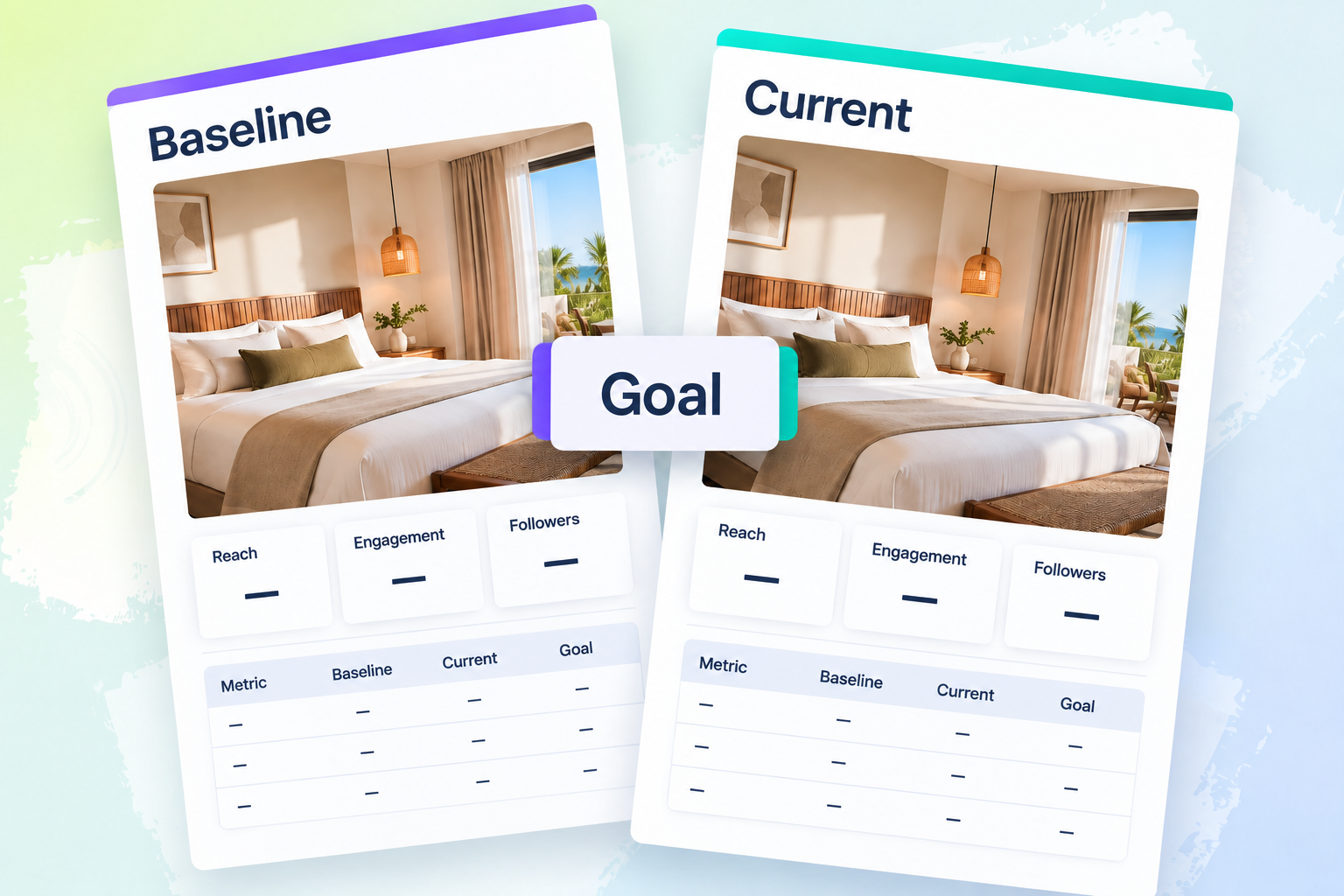
To judge whether your social media activity is successful, you need to know where you started and what you intended to achieve. Benchmarking provides that context by comparing current performance with an established reference point, such as your account’s earlier results. Record that baseline and define the desired outcome before the activity begins, so the team can distinguish a change in the numbers from progress toward its objective. Document what each measure means and use comparable reporting periods to keep the comparison consistent. Keep channel-specific results separate when an overall figure would conceal where performance has improved or declined. The value is a repeatable way to assess whether your work is meeting business goals and identify where further attention is needed.
A social media analytics tool can help you track reach, follower growth, and engagement over time. Reach provides information about content exposure, while follower growth and engagement help you examine audience development and interaction. Reading these measures together gives you more context than judging the account by whichever number looks strongest.
3. Connect Community Management With Guest Service
For teams handling social media marketing in hotels, community management is a valuable customer service channel: the initial reply should lead to an answer or action on the guest’s request. Because marketing may not have the information or authority held by reservations, restaurant staff, or management, clearly state which questions it can resolve and where others should go. Set coverage hours and communicate response expectations that reflect when staff are available, so guests understand when they can expect help. When another team is needed, keep responsibility with the person handling the conversation until that team accepts the request. This connects the initial response with the next action, keeping internal coordination with the business rather than making the guest find the right department. A clear handover record gives the receiving team the context needed to continue the conversation. When setting this up, identify the following:
- The person currently responsible for the conversation.
- The issue and information already provided.
- The person or team responsible for the next action.
- Confirmation that the receiving team has accepted the request.
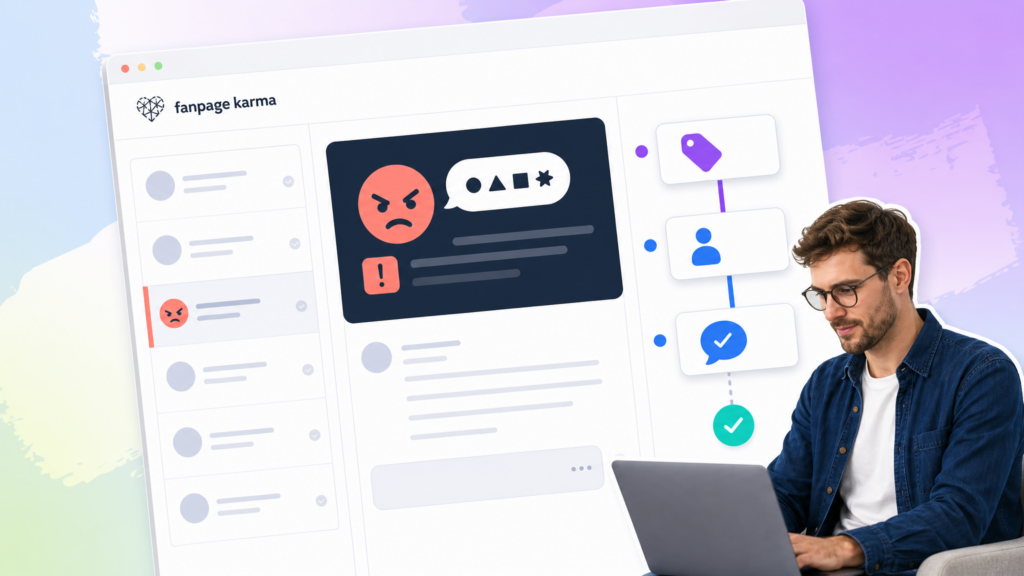
A community management tool that brings notifications together gives staff one place to review incoming conversations instead of checking separate accounts to find requests. This consolidated view makes the workload easier to follow and helps staff identify conversations that need attention within the service process you have defined. Some tools also offer AI assistance or automation for handling volume, so compare their actual capabilities with your workflow rather than assuming every product provides the same support. Use those capabilities to help manage conversations, while keeping decisions about an individual guest’s request with the team responsible for acting on it.
4. Make Reports Useful for the Next Decision
Social media reporting is valuable because it connects the results you track with decisions about what to do next. Build each report around the objectives already selected, so the team can assess performance against what the activity was intended to achieve. Explain what changed and provide the relevant context, making your reasoning clear instead of leaving colleagues to interpret the figures themselves. A repeatable review structure gives the team a shared basis for discussing progress and identifying where attention is needed. This makes reporting useful feedback for planning, with a clear connection between the results observed and the response you recommend. End with a specific next action and identify who is responsible for taking it forward.
When setting up your reporting processes, answer these questions:
- Objective: What was the activity intended to achieve?
- Result: What happened during the reporting period?
- Interpretation: What context helps explain the result?
- Next action: What will change, and who owns that decision?
Pro tip: Choose a reporting tool that combines AI-assisted chart analysis with automatic report generation. AI can help identify patterns and changes in your charts, providing a starting point for explaining what the results mean. After reviewing those observations in context, use automatic report generation to assemble the selected results without rebuilding the report manually each time. This reduces repetitive preparation and leaves more of the reporting process focused on interpreting findings and deciding what to do next.
5. Build a Publishing Process
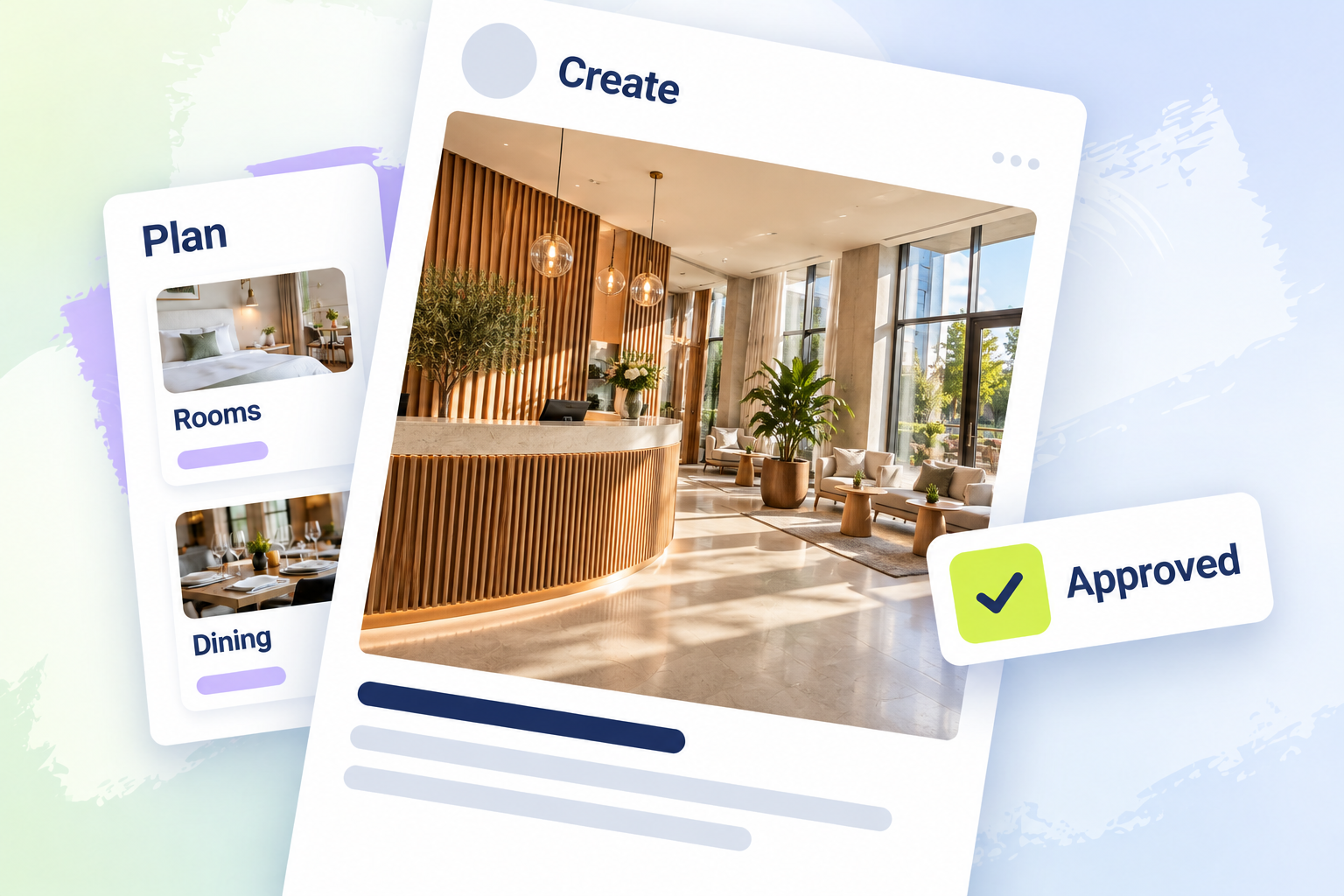
A clear publishing process gives hospitality brands a repeatable way to turn ideas into social media content that is ready to publish. Start by collecting ideas that reflect your brand, so selection is guided by what the business wants to communicate rather than simply filling the calendar. Plan those ideas in advance to leave time for creating the content and reviewing it before publication. Make visual quality part of that preparation, giving images and design the same attention as the message they carry. Define who approves the finished content and what they need to review, so publication follows a clear decision rather than an assumption that the post is ready. Connecting these steps makes brand relevance, creative preparation, and approval part of one planned process instead of separate tasks handled at the last minute.
A social media scheduling tool is valuable because it connects content preparation with the practical steps needed to publish it. Planning posts with colleagues gives the team a common view of upcoming content, so contributions can be coordinated before publication. Approval processes provide a defined review step, making it clear when a post has been checked and accepted for release. Multi-posting support helps coordinate distribution across several networks instead of treating every account as a separate publishing task. Automatic scheduling then carries out the agreed timing without requiring someone to publish each post manually.
6. Use Content Data to Plan Your Next Test
Past content becomes useful for planning when you review it around a decision your team needs to make. Define whether you are investigating a theme to revisit or a format to test, then select the posts relevant to that question. Look for recurring characteristics in relation to what those posts were meant to achieve, rather than letting the most attention-grabbing result determine the plan. This moves the analysis beyond reporting by giving the team a reason to test a particular change in future content. Carry that reasoning into the next experiment, making clear how the proposed change follows from the results reviewed and what you want to learn from it. The following analyses can help you refine your posts:
Tagging Analysis
Tagging analysis helps you compare content themes rather than interpret each post as a separate result. In an analytics tool that supports it, label posts with categories relevant to your property, such as rooms, dining, destination, and staff. These categories let you review related posts together and compare how the themes perform using the measure relevant to your objective. The value is that your review can answer questions about which topics deserve attention, rather than stop at identifying individual successful posts. Define the categories clearly so each group represents the same theme whenever you review it. You can then use the comparison to decide which topics to revisit or test in future content.
Posting-Time Analysis
The most useful publishing time is not necessarily the one your team uses most often. Review your own posting history with a chart that distinguishes publication frequency from the interaction associated with posts published at each time. Reading those measures together helps you separate an established posting routine from a time slot worth investigating for its results. Use that comparison to choose specific timing tests, rather than treating the chart as a ready-made timetable. The value is a clearer reason for adjusting the schedule and a basis for assessing the results of your next test. Keep the conclusions specific to your hotel: the chart suggests times to investigate, not rules that apply throughout the hospitality industry.
Content Format Analysis
Format analysis gives you a way to assess whether your publishing mix supports the results you want. Use a social media analysis tool to review the hotel’s historical posts by format, comparing publication frequency with the performance associated with each group. Select a relevant measure and compare formats on a consistent basis, so publishing more posts does not automatically make a format appear more successful. Examine the posts behind each group’s results to understand what the comparison is summarizing. This gives you a clearer basis for deciding which formats deserve another test or a different role in the content plan.
Hashtag Analysis
Choosing hashtags by how often you have used them does not tell you how the posts containing them performed. Hashtag analysis addresses this by comparing usage frequency with the interaction associated with each tag. Assess the associated interaction using a measure relevant to your objective, so the comparison can inform a specific content decision. An association can reveal a pattern worth investigating, but it does not prove that the hashtag produced the result. The practical benefit is a more informed choice about which hashtags to test next, supported by observations from your posts rather than frequency of use alone.
7. Monitor Public Conversations Beyond Your Inbox
Monitoring is valuable because relevant public discussion about your property may happen outside the comments and messages arriving through your own accounts. While community management handles those direct conversations, monitoring lets your team review other available public mentions for recurring praise, questions, or concerns. Those patterns can highlight what guests notice and where information is missing, giving the team a reason to respond or review what it communicates. Define which public channels you can observe and what makes a mention relevant to the property and guest experience, rather than implying visibility into every conversation. Distinguish findings worth recording for later decisions from issues that need immediate attention from a responsible colleague. The value comes from connecting recorded findings to decisions or responses, instead of collecting general hospitality discussions without a clear use.
Pro tip: If reputation management is a priority, look for a monitoring tool that covers relevant public sources both on and off social media. This extends your review beyond social conversations, helping you consider mentions that would fall outside a social-only monitoring routine. Choose coverage that matches the sources relevant to your property, rather than expanding the search without a clear purpose. Use the findings to decide what needs a response or further attention, so the tool supports reputation management instead of simply collecting more mentions.
8. Invite Guests to Share, Tag, and Join the Conversation
Give guests an optional invitation to share their experience and tag the correct account at a suitable moment in their visit. Make the account easy to identify and avoid turning participation into an expectation. When someone does contribute, acknowledge what they shared with a relevant response rather than a generic reaction. A thoughtful reply to a restaurant photo shows that the team has paid attention to the contribution itself. Guest participation is a conversation, so the response should make sense in that context rather than treat every mention as an asset to collect. Keep the invitation simple enough that guests understand what is being suggested without needing to follow a complicated process.
Guests should remain free to decide whether to participate and which parts of their experience they want to share. In the response, refer to the contribution itself rather than introducing unrelated promotional information. Also keep acknowledgement separate from any later request to reuse the content. First thanking someone for a mention is a complete interaction on its own. This gives the team a clear way to participate without making every exchange depend on obtaining another piece of content.
Build a Hospitality Social Media Strategy Your Team Can Maintain
A useful hospitality social media marketing strategy connects appealing content with clear ownership, meaningful measurement, and responsive guest communication. A clear strategy brings channel selection, content planning, and guest service into a coordinated approach that fits your business. It gives your team priorities for daily work and a consistent basis for reviewing results, monitoring conversations, and refining future content.
An all-in-one social media tool can support many of the tasks covered here, from scheduling posts to analyzing performance and managing conversations. To see how a social media tool can support your hospitality business, try Fanpage Karma’s free 14-day trial today. You can also learn more by signing up for the free webinar.