Before Your Content Goes Live: Ask These 5 Questions

- 1. What is this post supposed to achieve?
- 2. Does this really matter to your audience?
- 3. Have you chosen the right format?
- 4. Have you chosen the right posting window?
- 5. Does the post pass a quality check?
- How to make these five questions part of your regular workflow
- Conclusion: Your pre-publish checklist
Everything ready, so straight into the content calendar? Not quite. Without a final check, a post can easily miss its goal or fail to resonate with the community, while unchecked claims slip through.
A consistent pre-publish review adds clarity without slowing down the process. The following five questions will guide you through each step before your next post goes live.
1. What is this post supposed to achieve?
“We need a post today” is a deadline, not an objective. Start by deciding what outcome the post should drive. The more specific the goal, the easier it becomes to align the message, call to action, and subsequent performance analysis.
Typical goals for a post include:
- Building reach
- Starting a conversation
- Educating your audience
- Driving clicks
- Generating leads, registrations, or inquiries
- Strengthening your relationship with the community
- Introducing a product or service
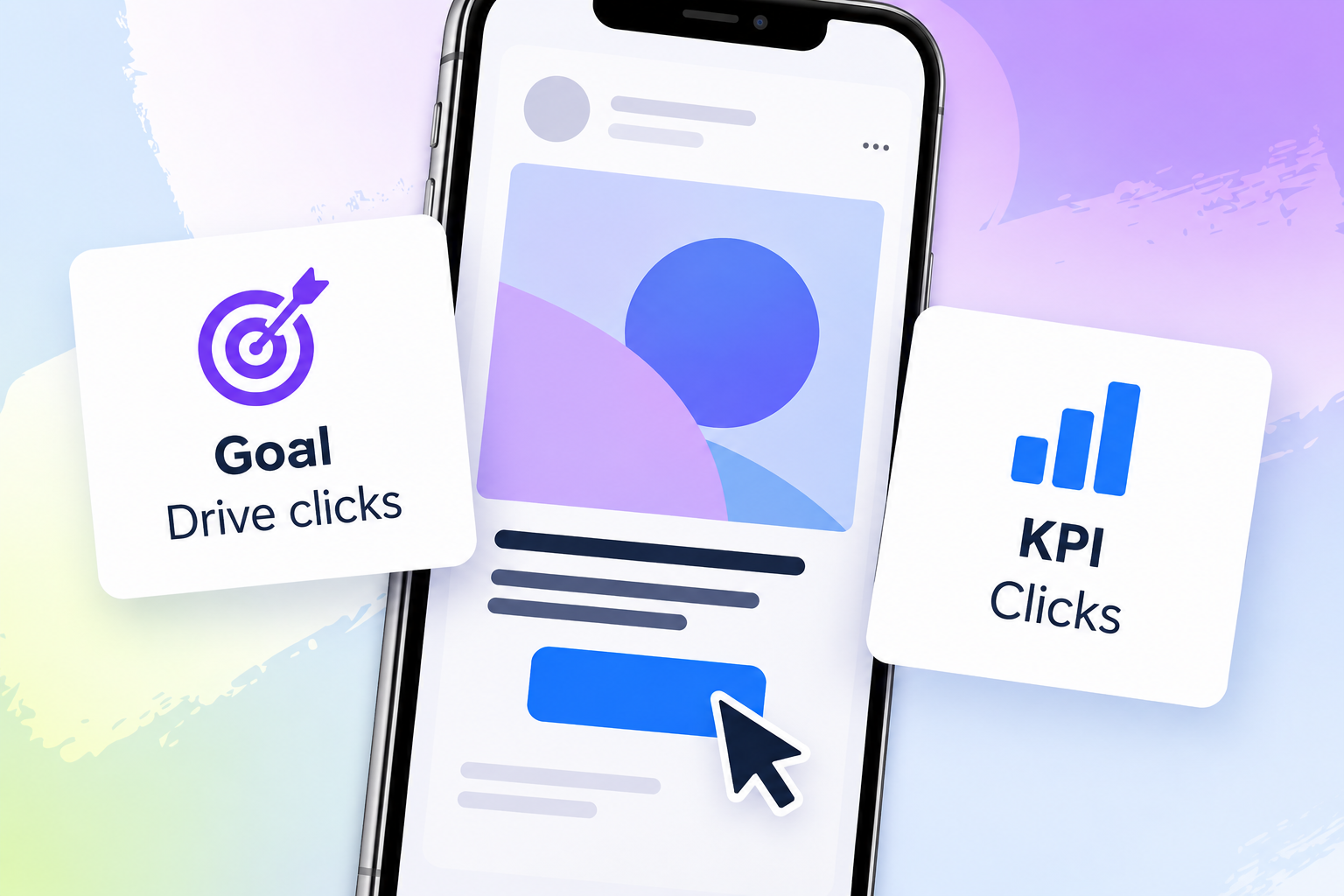
Every objective also needs relevant KPIs. If a post is meant to drive clicks, high reach alone will not tell you whether it did its job. Depending on the goal, engagement, clicks, saves, watch time, leads, or growth may matter more. An analytics tool helps you monitor the relevant figures over time. No single metric explains overall content performance, so your selection should always start with the objective.
2. Does this really matter to your audience?
A topic is not automatically strong just because it matters internally. Check whether it is also relevant outside your own team. Comments, direct messages, past performance, and current trends provide clear signals. Recurring questions, recognizable problems, and conversations that continue across several posts are particularly valuable.
These signals can help you assess a topic:
- Recurring questions in comments and direct messages
- Responses to polls and question stickers
- A high number of saves or shares
- Frequent misunderstandings and critical questions
- Topics that spark conversations across several posts
- Current trends with a clear connection to your audience
- Feedback from community management, support, or consulting teams
When you manage several channels, these signals can quickly get lost across inboxes, notifications, and tabs. A community management tool can bring conversations together in one place. This makes it easier for the team to spot recurring questions and identify topics worth adding to the content calendar.
Your previous posts can provide useful clues too. A tagging analysis labels content by topic, tone, format, or editorial focus. You can then compare how those groups performed against the relevant metrics. This turns your post history into a structured dataset where recurring patterns are easier to identify.
Fanpage Karma can help you look for these patterns. You can filter analyzed top-performing posts by metric, post type, or keyword. This allows teams to examine which content was associated with the desired response instead of treating one recent standout post as the only point of reference. The key question remains: Which recognizable interest, problem, or conversation does the new post address?
3. Have you chosen the right format?
A static post, carousel, or Reel should not be the default simply because your team uses that format most often. What matters is how effectively it communicates the message. A checklist needs enough room for several points. A short video can often explain a process more clearly, while a single announcement may only need one focused static visual.

Use this breakdown as a starting point:
- Carousels for checklists, explanations, and comparisons
- Reels or short videos for demonstrations, processes, and personal commentary
- Static posts for a clear statement, graphic, announcement, or question
Your final decision should also consider past performance. Compare formats using the KPI tied to the new post’s objective. A reach goal calls for a different analysis than content designed to be saved, shared, or clicked. A format performance analysis can show how videos, images, and carousels performed against the selected metric. It provides a basis for your decision, not a guarantee for the next post.
4. Have you chosen the right posting window?
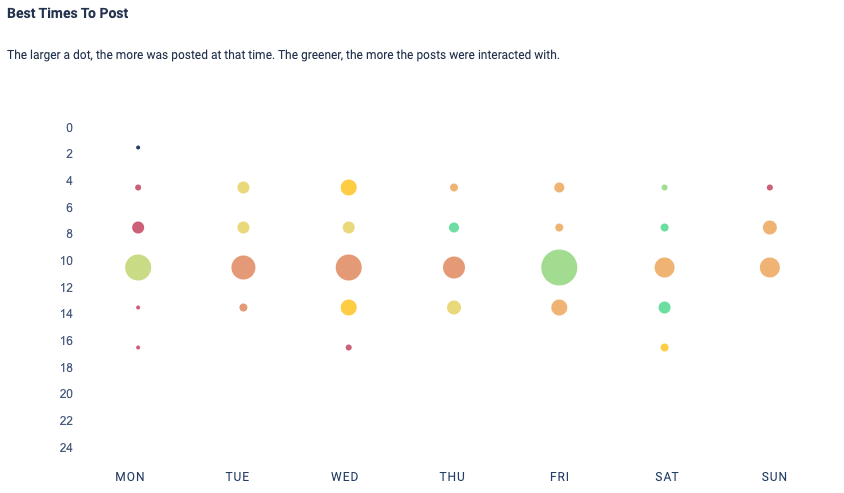
There is no single posting time that works equally well for every account and audience. A routine such as “We always post in the morning” is not a strategy. Review your own analytics and reports instead. They show how content performed across different time slots and provide a stronger foundation than gut instinct.
A visual analysis can show the days and times when posts were published and their average engagement. The size of each dot can represent the number of posts, while its color indicates average engagement. This reveals time slots that were associated with stronger results in the analyzed data. What matters most are the patterns within the relevant period and on the relevant channel.
Once you have identified a suitable time, a scheduling tool can publish the approved post automatically. This is particularly useful on weekends, public holidays, or outside normal working hours. The schedule is then based on audience data, not on when someone on the team happens to be available to publish manually.
5. Does the post pass a quality check?
A post can be thoroughly researched and still be difficult to understand. Likewise, an eye-catching design cannot compensate for an incorrect figure or a quote taken out of context. Review the content, visuals, and technical execution separately first. Then assess how they work together, because the copy, design, and call to action must support the same message.
Start with the facts and sources:
- Have all facts and figures been reproduced correctly?
- Have you checked the publication date and original context of each source?
- Are all quotes complete and accurately represented?
- Do the sources support the claims made in the post?
- Have you removed unsupported promises and vague generalizations?
- Do all links work and lead to the correct destination?
- Do the copy, visual, and call to action align?
Next, review the design. A strong visual should do more than look good. It should direct attention to the main point. Clear imagery, sufficiently large text, and good contrast improve readability on smaller screens. Colors, visual language, and tone should also fit the brand and the content. This keeps the post easy to scan without overwhelming the message with too many elements.
Check these points for your visuals and design:
- Does the design support the central message?
- Does the visual style fit the brand?
- Is everything easy to read on smaller screens?
- Are all figures, text elements, and slides in the correct order?
- Are the format and key elements displayed correctly?
The quality review should also include a quick safety check:
- Have all rights, permissions, and usage terms been cleared?
- Is personal and confidential information protected?
- Would the post still hold up without its original context?
Content involving many figures, sensitive information, or complex explanations should be reviewed by a second person. This is about more than spelling. Logic, sources, design, rights, and potential misinterpretations all need attention. A tool can organize data and drafts, but it cannot replace editorial judgment.

How to make these five questions part of your regular workflow
The review should not begin seconds before publication. Your objective and KPI belong in the planning stage. Next, assess audience relevance, choose the format, and decide when to publish. Check facts, design, and rights during production so that only the final review remains before the post goes live.
A clear workflow for social media teams looks like this:
- Define the objective and relevant KPI
- Review past performance, current trends, and audience questions
- Choose the format based on the message and your own data
- Use analytics and reports to select the posting time
- Review facts, sources, visuals, design, and rights
- Schedule the approved post in your publishing tool
- Document the results and analyze them later
Decide who is responsible for each step. The person creating the content conducts the first review. A second person checks the facts and clarity. Bring in the relevant specialists for sensitive content. This keeps responsibilities clear without turning every post into a lengthy approval process.
Conclusion: Your pre-publish checklist
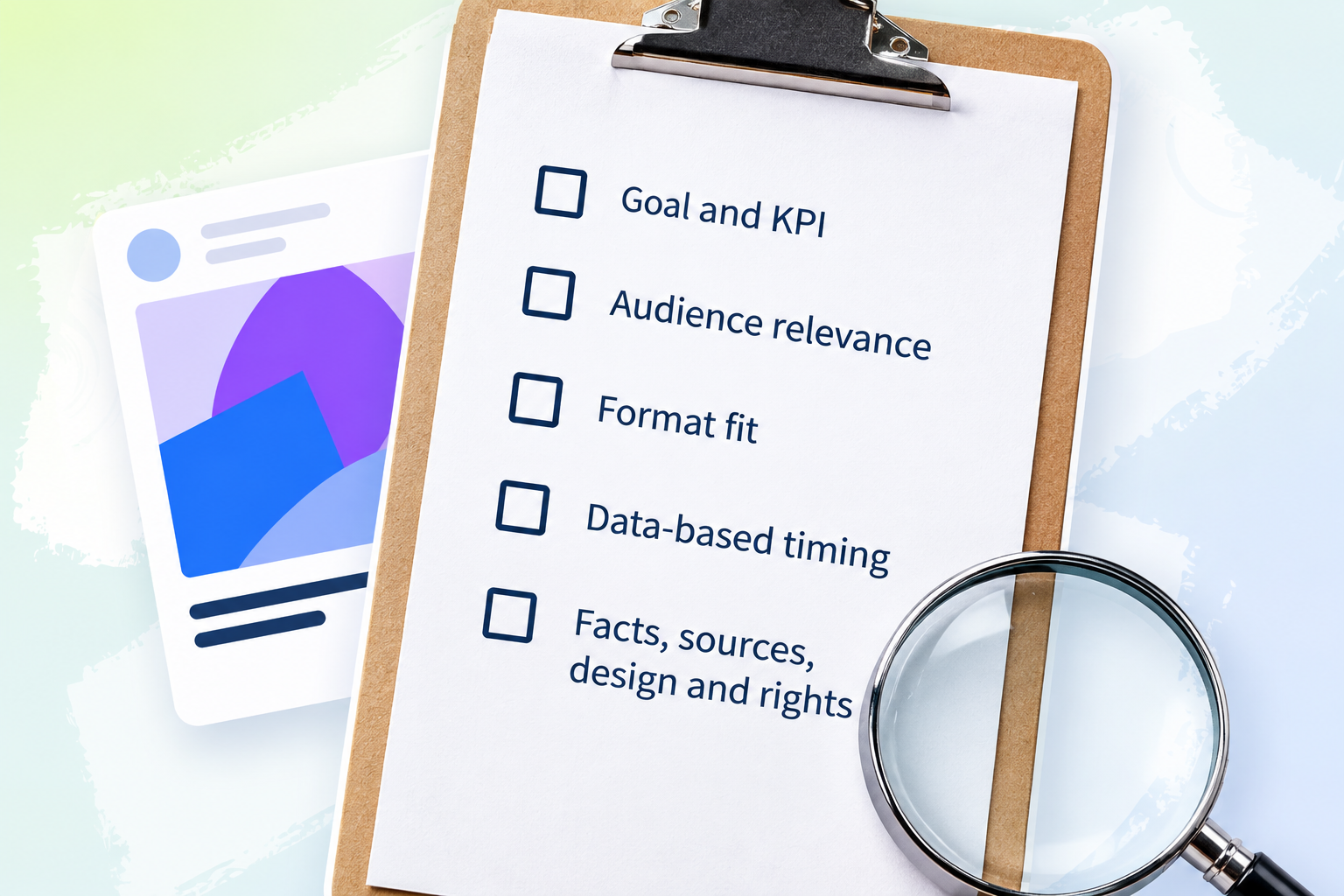
Reliable content publishing starts with a clear objective and the right KPI. Next, check whether the topic matters to the audience, whether the format fits the message, and whether the timing is supported by data. The quality check then covers facts, sources, visuals, design, and rights. This ensures that every post is based on clear decisions rather than time pressure or gut instinct.
Use this compact checklist before your next post:
- ☐ Have you defined the objective and relevant KPI?
- ☐ Have you reviewed your audience’s interests, questions, and problems?
- ☐ Have you compared the format with past performance?
- ☐ Have you selected a posting window using analytics and reports?
- ☐ Have you reviewed the facts, sources, visuals, design, and rights?
Add these five points to your planning and approval process and use them for your next post. Fanpage Karma can support your analysis of KPIs, topics, formats, and posting times. The final editorial decision stays where it belongs: with your team.