Best AI Tools for YouTube: From First Idea to Channel Optimization
- The Right AI Tool for Every Step of Your YouTube Workflow
- From Topic Idea to Usable Script
- Editing and Audio Do Not Have to Eat Up Your Schedule
- AI Tools for YouTube Video Creation: Shorts, Scenes, and Thumbnails
- Test Titles and Thumbnails in YouTube Studio
- Analytics, Planning, and Community Management After Upload
- Build Your Toolkit Without Creating More Chaos
- Before You Publish, Run a Human Review
- Conclusion: Strong AI Workflows Need Clear Roles
- Quick Reference: Every YouTube Tool Mentioned
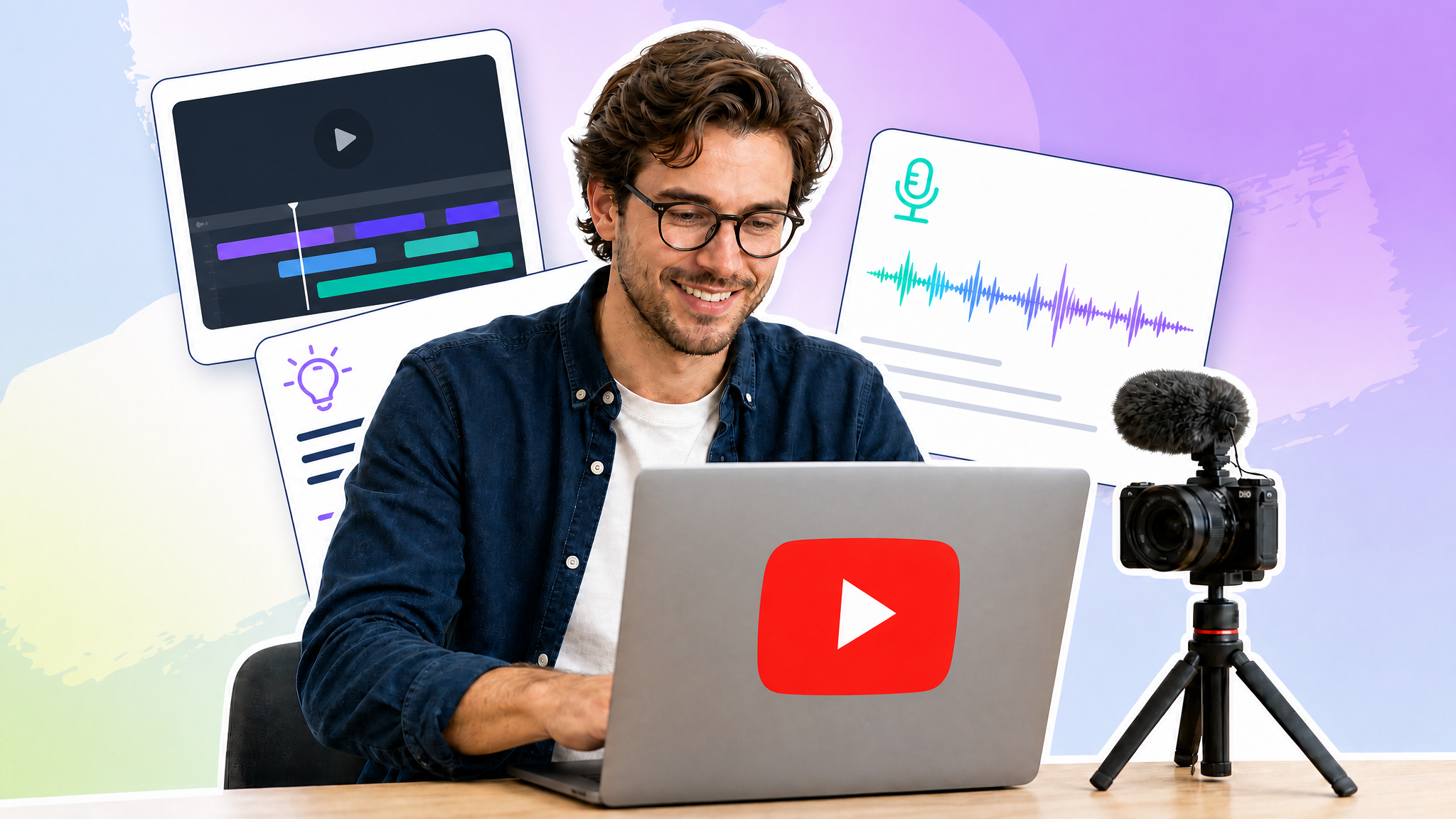
A YouTube video is rarely just a video. Social media teams research topics, write scripts, coordinate shoots, edit footage, improve audio, design thumbnails, and monitor performance and comments after publishing. When every task requires another tab, the creative process quickly turns into an organizational obstacle course.
AI can support this workflow at many stages. The goal, however, is not to stockpile as many tools as possible. What matters is finding a combination that solves real bottlenecks while leaving enough room for editorial oversight. This guide walks through the full YouTube workflow and shows where each tool can make a practical difference.
The Right AI Tool for Every Step of Your YouTube Workflow
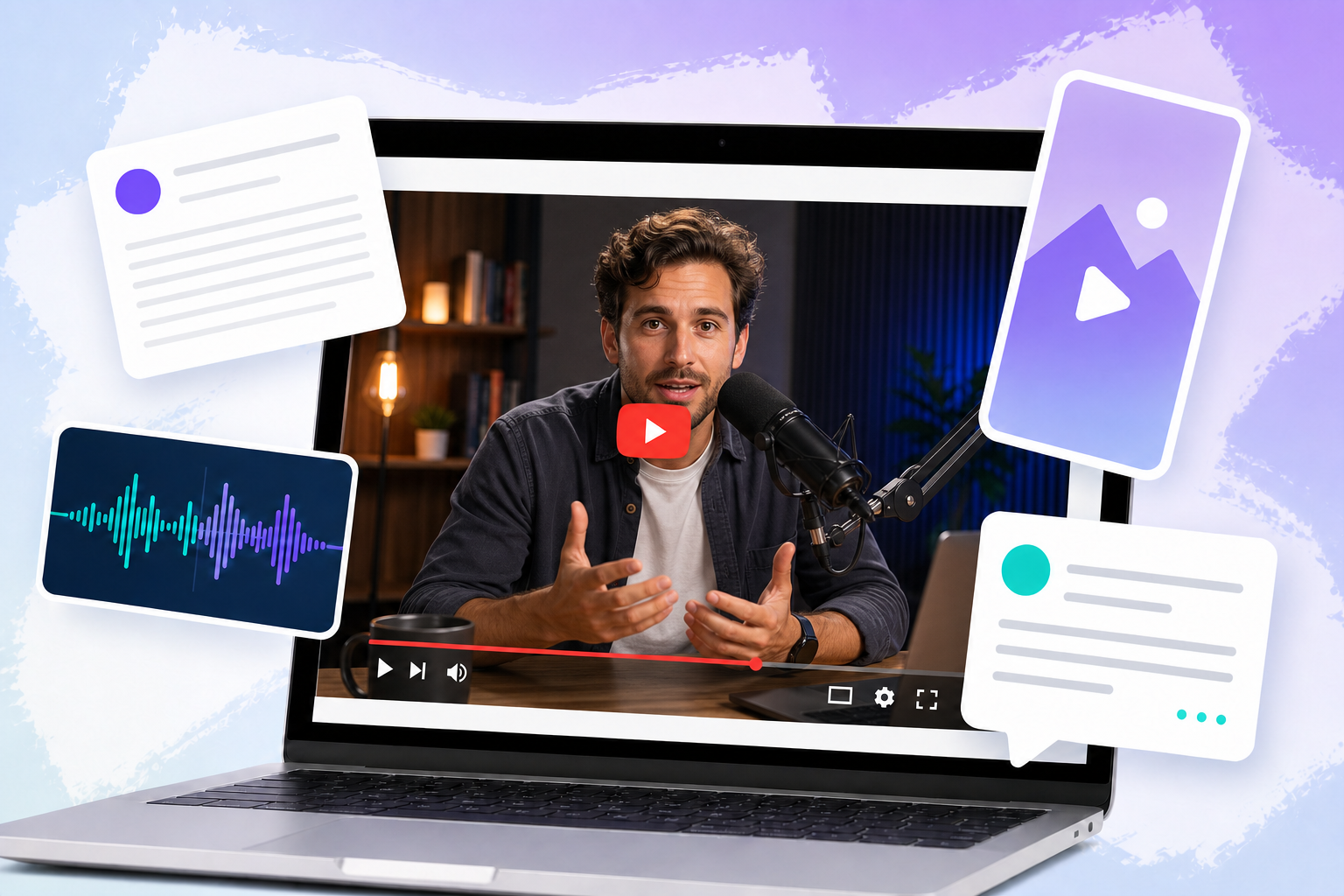
Before we look at individual AI tools for YouTube content creation, it helps to take a quick look at the entire workflow. You can only choose the right tool once you know where support is actually needed. The YouTube process can be divided into five broad areas: ideation and scriptwriting, video and audio editing, translation and localization, repurposing content as Shorts, and optimizing titles, thumbnails, performance, and community management. Not every team needs a separate app for each area right away. Identify the most time-consuming recurring step first, and you can test tools with a clear purpose instead of replacing tab overload with AI tool overload.
From Topic Idea to Usable Script
ChatGPT Gets the First Idea Moving
ChatGPT can generate topic ideas, research plans, outlines, hooks, and early script drafts. Starting with a broad subject such as “Community Management on YouTube,” for example, it can suggest several angles, including common mistakes, a practical workflow, or advice for small teams. Once you choose a direction, you can turn it into an outline and build out the script. Clear input on the target audience, video format, tone, objective, and available source material is essential. A generic brief will usually produce a generic result.
vidIQ Adds YouTube Data to the Planning Process
When topics, keywords, and titles need to be tailored more closely to YouTube and your own channel, vidIQ comes into play. It combines YouTube-specific topic, keyword, and title tools with your own channel data. That creates a clear division of labor: ChatGPT supports content development, while vidIQ focuses on platform-specific research and optimization.
Editing and Audio Do Not Have to Eat Up Your Schedule
Descript Lets You Edit Spoken Content Like Text
Descript automatically creates a transcript and lets you edit video and audio through the text. This is particularly useful for interviews, tutorials, webinars, and other speech-heavy formats. Instead of scrubbing through the timeline, teams can find and edit mistakes, repeated phrases, or less relevant sections directly in the transcript. The transcript can also serve as a starting point when you need to summarize a YouTube video. The editing process starts to feel much more like working on a document.
Adobe Podcast Enhance Speech Cleans Up the Audio
Background noise and reverb can make even strong content difficult to follow. Adobe Podcast Enhance Speech reduces these issues in voice recordings and video files. It can help when footage was recorded in a challenging acoustic environment or when the original audio quality falls short. The entire processed file should still be reviewed afterward to make sure the voice, clarity, and natural delivery remain intact.
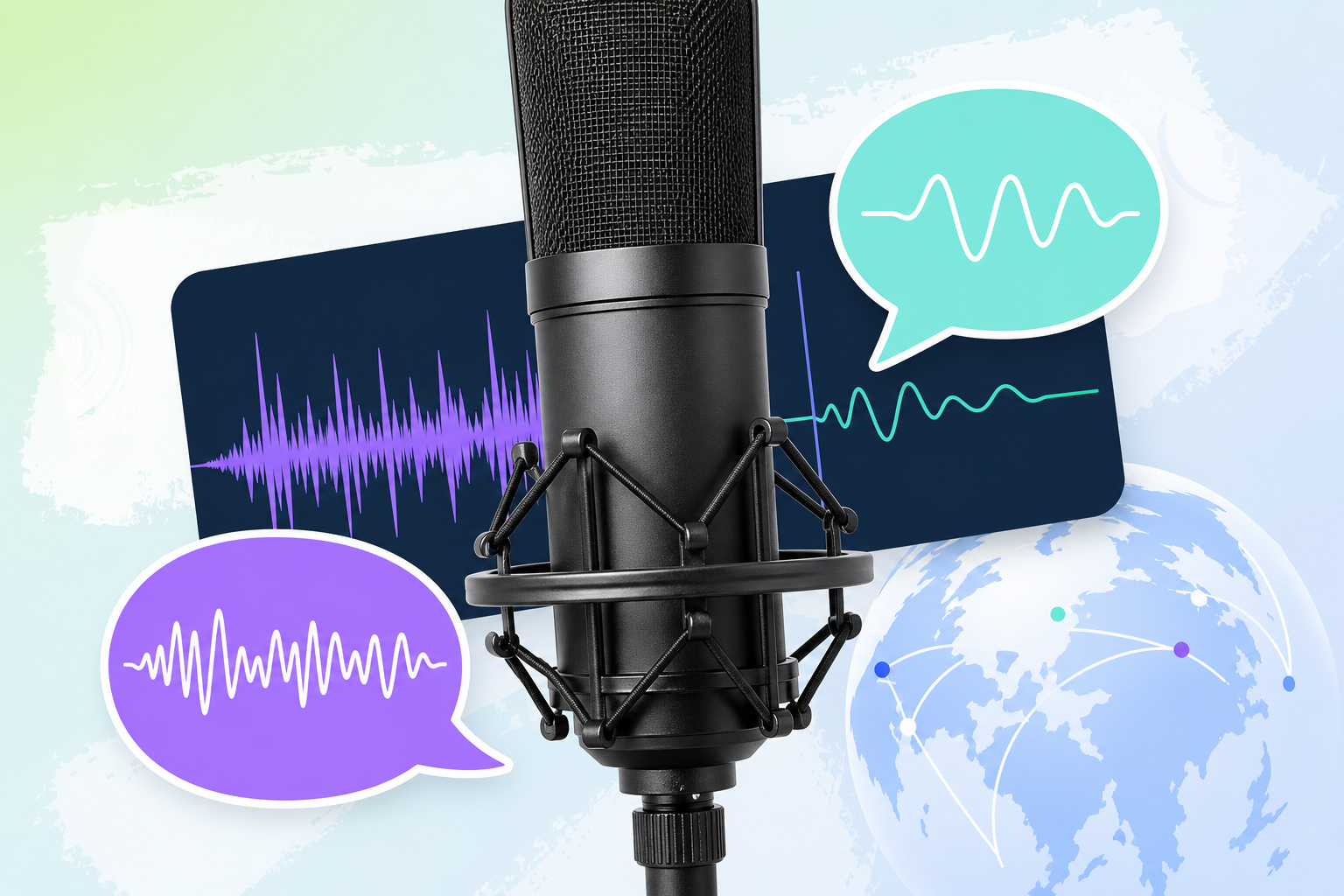
ElevenLabs Opens the Door to More Languages
ElevenLabs creates synthetic voiceovers and dubs videos for additional language markets. For international teams, this can make it easier to produce more versions of the same video. Publishing should never be automatic, though. Translation, pronunciation, names, terminology, delivery, and brand voice must be reviewed by people who understand both the language and the context.
AI Tools for YouTube Video Creation: Shorts, Scenes, and Thumbnails
OpusClip Finds Material for YouTube Shorts
OpusClip scans longer videos for suitable excerpts, adds captions, and adapts the framing for Shorts. A webinar, interview, or explainer video can therefore become a series of shorter clips. The automated selection is only a starting point. Before publishing, teams need to review the opening, context, captions, framing, and ending. A clip can be technically polished and still make little sense without the sentence that came before it.
Runway Expands Your Visual Toolkit
For AI video creation on YouTube, Runway generates video sequences and edits existing footage with generative features. Potential uses include supplementary scenes, visual transitions, or adjustments to existing material. It works as both a supporting production environment and a space for visual experimentation. Whether a generated scene genuinely fits the video, the brand, and the story remains an editorial decision.
Canva Magic Studio Creates Room to Explore Thumbnail Ideas
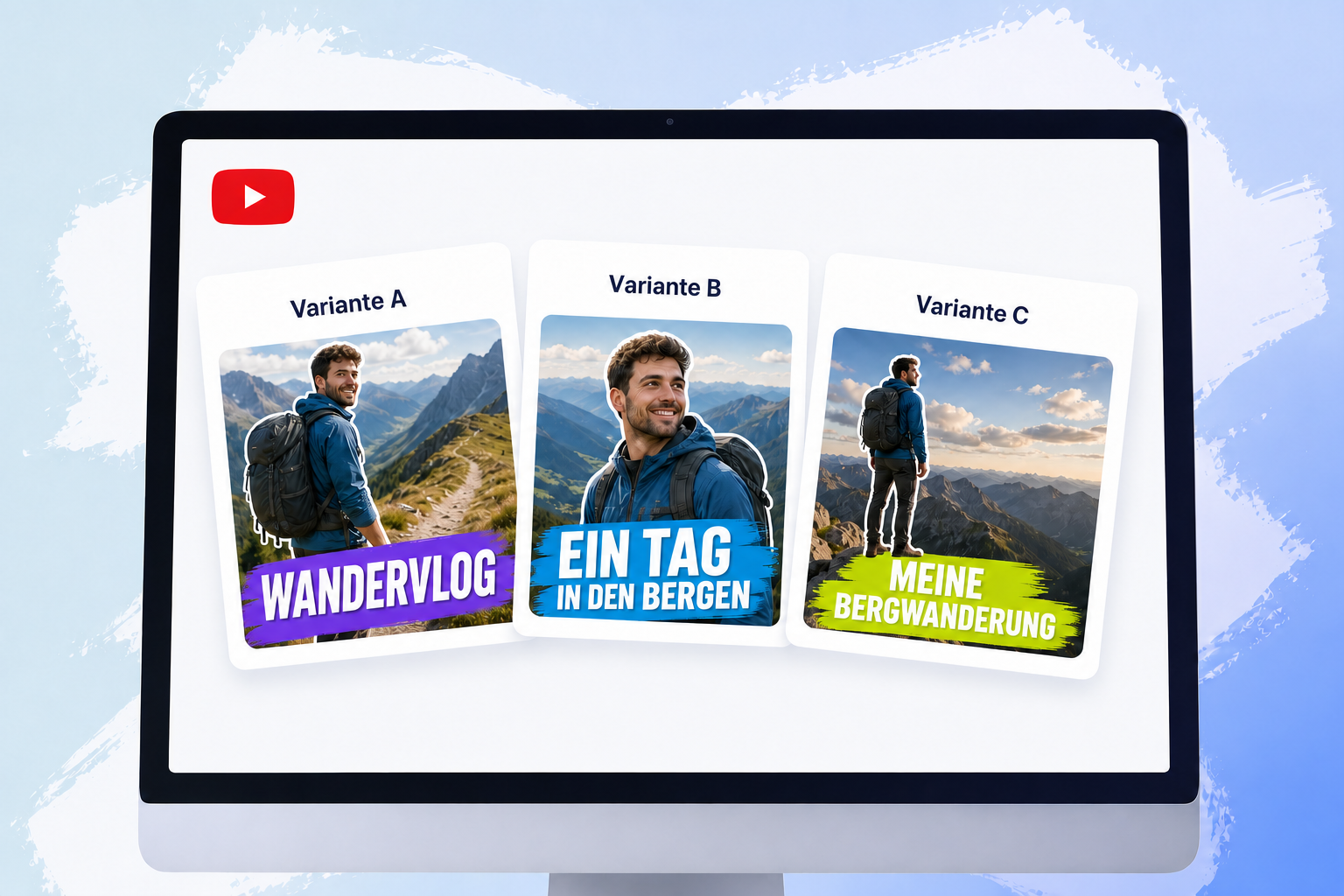
Canva Magic Studio supports the creation and editing of different thumbnail variations. An eye-catching look is not enough on its own. A strong thumbnail needs a clear focal point and readable text, along with an obvious message and a design that fits the brand. The variations should be distinct enough to produce useful insights in a later test.
Test Titles and Thumbnails in YouTube Studio
AI tools can suggest or design titles and thumbnails. Whether a variation works with the actual audience only becomes clear after publication. In YouTube Studio, you can compare up to three titles, thumbnails, or combinations. They are evaluated according to their respective share of watch time, taking optimization beyond personal preference.
To make the comparison useful, plan each variation deliberately:
- Give each variation a clearly recognizable difference.
- Make sure the title and thumbnail communicate the same message.
- Do not let any variation promise something the video does not deliver.
- Document the results and apply them to future videos.
Analytics, Planning, and Community Management After Upload
Social Media Analytics Tools Reveal Patterns Across Channels
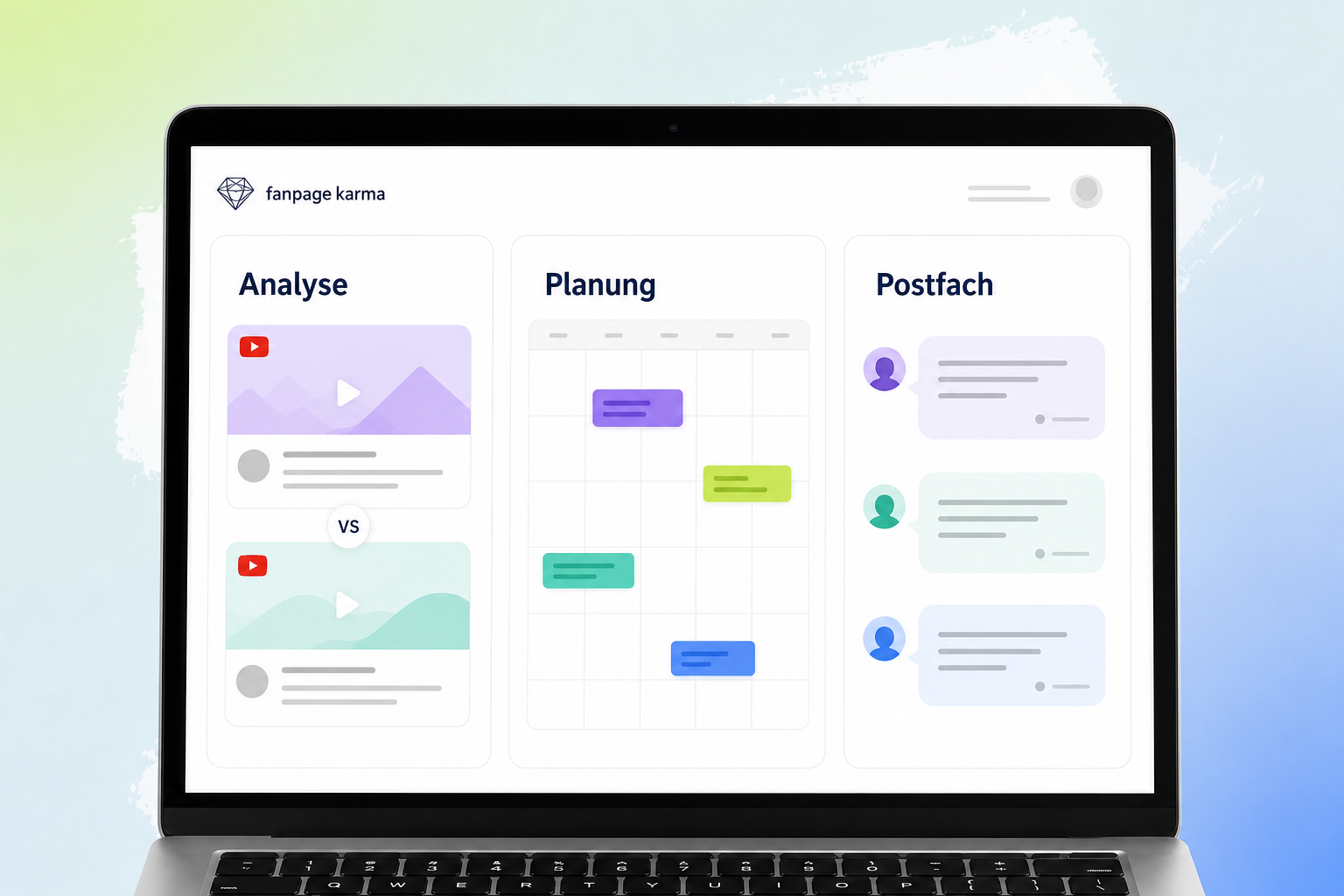
For more informed content planning, it helps to compare your own and other relevant YouTube profiles across multiple time periods. A social media analytics tool such as Fanpage Karma can present the results in dashboards, charts, and reports. This makes it easier to identify potential content trends and recurring performance patterns across topics and formats. Practical questions help guide the analysis: Which topics keep working over time? Which formats stand out? Which hooks and thumbnails appear repeatedly in successful videos? This turns isolated wins into a more informed content plan.
Practical example: Start by identifying the topics, formats, hooks, and thumbnails that recur among your channel’s most successful videos. Then compare those recurring patterns with other relevant YouTube profiles across multiple time periods. This creates a broader foundation for your next content plan instead of treating a few standout videos as isolated successes.
The Editorial Calendar Keeps Production on Track
Once several videos, campaigns, and contributors are involved, a loose task list rarely does the job. A clear editorial calendar brings the entire content plan into one place. Social media tools such as Fanpage Karma provide a central overview and make it possible to plan posts, campaigns, tasks, and approvals together. Responsibilities and progress remain visible without requiring a separate discussion for every change.
A Central Inbox Makes Community Management Easier
A complete YouTube toolkit also needs to cover what happens after publication. A community management tool brings comments, messages, and mentions together in a central inbox. Fanpage Karma helps teams managing multiple channels stay organized and keep track of open conversations. However, centralization is no substitute for a good response. Editorial quality still matters and replies should remain helpful, relevant, and human, because community management involves more than clearing notifications as quickly as possible.
Build Your Toolkit Without Creating More Chaos
A sensible setup starts with a clearly defined test, not a long shopping list. Use this process to choose your tools:
- Identify the most time-consuming recurring task.
- Choose one specialized tool for that task.
- Test it on a specific video or established process.
- Evaluate time savings and quality separately.
- Define responsibilities and review steps.
- Only then add more applications.
Depending on your needs, your toolkit could look like this:
- ChatGPT and vidIQ for topics, research, keywords, titles, and scripts
- Descript and Adobe Podcast Enhance Speech for editing and voice quality
- ElevenLabs for additional language versions
- OpusClip for turning long videos into Shorts
- Runway and Canva Magic Studio for visual production and thumbnails
- YouTube Studio for title and thumbnail testing
- Fanpage Karma for analytics, planning, reports, and community management
Before You Publish, Run a Human Review
AI can generate drafts and speed up individual tasks. The team remains responsible for accuracy, quality, and brand consistency. Before approval, check the following points:
- Are all claims and details accurate?
- Does the script suit the target audience and the brand’s voice?
- Are the edit, framing, and captions coherent?
- Do enhanced or synthetic voices sound natural and easy to understand?
- Have translations, names, and technical terms been checked?
- Does the thumbnail represent the content clearly and without misleading viewers?
- Do the title, thumbnail, and actual video content align?
- Have generative video sequences been reviewed editorially and visually?
- Are tasks, approvals, and publication status clearly documented?
Conclusion: Strong AI Workflows Need Clear Roles
A successful YouTube workflow is not defined by the number of tools it uses. Each application needs a clearly defined role, and every output should undergo editorial review. With that structure in place, ideation, production, repurposing, optimization, analytics, and community management can work together without creating more clutter. Review your current social media workflow and start where the most friction occurs. If analytics, content planning, reporting, and community management are spread across several apps, an all-in-one social media tool such as Fanpage Karma can bring those tasks together in one place. Start your free trial and bring more structure to your YouTube workflow.
Quick Reference: Every YouTube Tool Mentioned
For quick reference, here are all the tools covered in this article and where they fit into the workflow:
- ChatGPT for topic ideas, research plans, outlines, hooks, and script drafts
- vidIQ for YouTube-specific topics, keywords, and titles
- Descript for editing video and audio through an automatically generated transcript
- Adobe Podcast Enhance Speech for reducing background noise and reverb
- ElevenLabs for synthetic voiceovers and additional language versions
- OpusClip for turning longer videos into Shorts
- Runway for generative video sequences and editing existing footage
- Canva Magic Studio for creating different thumbnail variations
- YouTube Studio for testing titles, thumbnails, and combinations
- Fanpage Karma for analytics, reports, planning, approvals, and community management